|
|
Another page with instructions
I posted this on GpsPasSion.
Immediately afterwards someone posted this page which is cleaner and more concise than mine.
You should look at both before starting your replacement. Use whichever one you like better. Or use both.
Symptoms
When I turned the car off, the screen just went blank instead of warning it was shutting down.
When on, a voice prompt would cause a re-boot.
Sometimes it would not power back on properly after a fast shutdown.
After replacing the battery, everything works like it did before.
Tools needed:
Torx driver - size T-5
Phillips head screw driver - Size 000
Small flathead screwdriver or pen knife for prying and for sliding the springloaded catch.
There is a link to the right where you can get the replacement battery
If you have any suggestions for improvements for this page, please e-mail the Webmaster. Please put Garmin Nuvi 350 in the subject of your e-mail.
Warning
This is not an easy disassembly. There are many opportunities to damage your GPS receiver, including small delicate ribbon cables and little plastic tabs.
If you use this page for instructions, you do so completely at you own risk!!!.
The photos have two different appearances (size, color balance) because I started with my digital camera, but since it couldn't get the closeups, I then went back and took a few more with the 35mm and extension tubes.
|
  Garmin Nuvi 350 Battery Replacement Kit with Installation Video, Tools, and Extended Life Battery. # IA2B309C4B32
Or if you'd rather:
Look at some replacement models. Over 100 possibilities! From less than $100. Refurbs from lass than $75.
Sad part is, they now have new ones for about $100, and refurbs for less than $100, so you might just want to replace with one with up-to-date charts.
Note, my dad did just this. But the one he got did not automatically plug in when put into the mount. He has to manually plug in the USB every time. I haven't researched getting another, yet. I replaced the battery in my 350 and am just fine staying with it for a while.
Garmin Nuvi 350 Battery Replacement Kit with Installation Video, Tools, and Extended Life Battery. # IA2B309C4B32
Or if you'd rather:
Look at some replacement models. Over 100 possibilities! From less than $100. Refurbs from lass than $75.
Sad part is, they now have new ones for about $100, and refurbs for less than $100, so you might just want to replace with one with up-to-date charts.
Note, my dad did just this. But the one he got did not automatically plug in when put into the mount. He has to manually plug in the USB every time. I haven't researched getting another, yet. I replaced the battery in my 350 and am just fine staying with it for a while.
|
|
|
|
|
 Click for large Click for large |
This is the Garmin Nuvi 350. |
 Click for large Click for large |
You can confirm this by looking at the sticker on the back that has the model number on it. I'm guessing the NA means it is a North America version. |
 Click for large Click for large |
Open the antenna, put the Nuvi face down and remove the two little screws at the top of the antenna. (This requires a T-5 torx driver). Be sure to take this slow and enjoy it, because it is about the only part of this disassembly that is easy. (For re-assembly, these are the short torx screws.) |
 Click for large Click for large |
Warning Look at the large version of this photo to make sure you know where this tab is so you don't break it. This photo is out of sequence in the disassembly, but you need to take a close look at this in the large view. There is a little tab that sticks out to the right on the inner cover. This tab is the reason you must remove with a twisting motion as shown in the following photos. |
 Click for large Click for large |
Here you can see how the two pieces fit together. |
 Click for large Click for large |
I have included several photos just to make sure you understand how the pieces fit together. |
 Click for large Click for large |
|
 Click for large Click for large |
|
 Click for large Click for large |
|
 Click for large Click for large |
|
 Click for large Click for large |
|
 Click for large Click for large |
Also, before you start, these photos show how the antenna wire fits into the slot on the back piece. This is why you have to twist, to get the wire up out of that slot. But don't twist too far or you might break the little tab. |
 Click for large Click for large |
|
 Click for large Click for large |
These two photos show how you gently twist the cover up. |
 Click for large Click for large |
You can now see the black sleave that covers the ribon cable for the antenna. This fits in the rounded end of the antenna cover. |
 Click for large Click for large |
|
 Click for large Click for large |
Sorry, bad shot. But you can just barely make out the tab I was warning you about as I am just starting to remove the cover. |
 Click for large Click for large |
|
 Click for large Click for large |
If you pull on the antenna, the ribbon cable will pull out of the sleave. It is spiraled up in there so it has a lot more slack than it looks like. |
 Click for large Click for large |
OK, so still no way to get the antenna off. But wait... |
 Click for large Click for large |
Sorry, another bad photo. On the right side of the rounded bottom is the cavity the antenna wire goes. On the left is a raised portion. There are two slits in this. Put a knife point or a very small flat-head screwdriver in this slit and push the spring loaded catch to the right. Then push the right corner of the antenna down towards the center of the GPS. |
 Click for large Click for large |
Here is a shot I took after disassembly. On the left you can see the cavity that the antenna wire rests in. On the right, you can see the little slots. To push the spring loaded pin back, use the slot on the right. |
 Click for large Click for large |
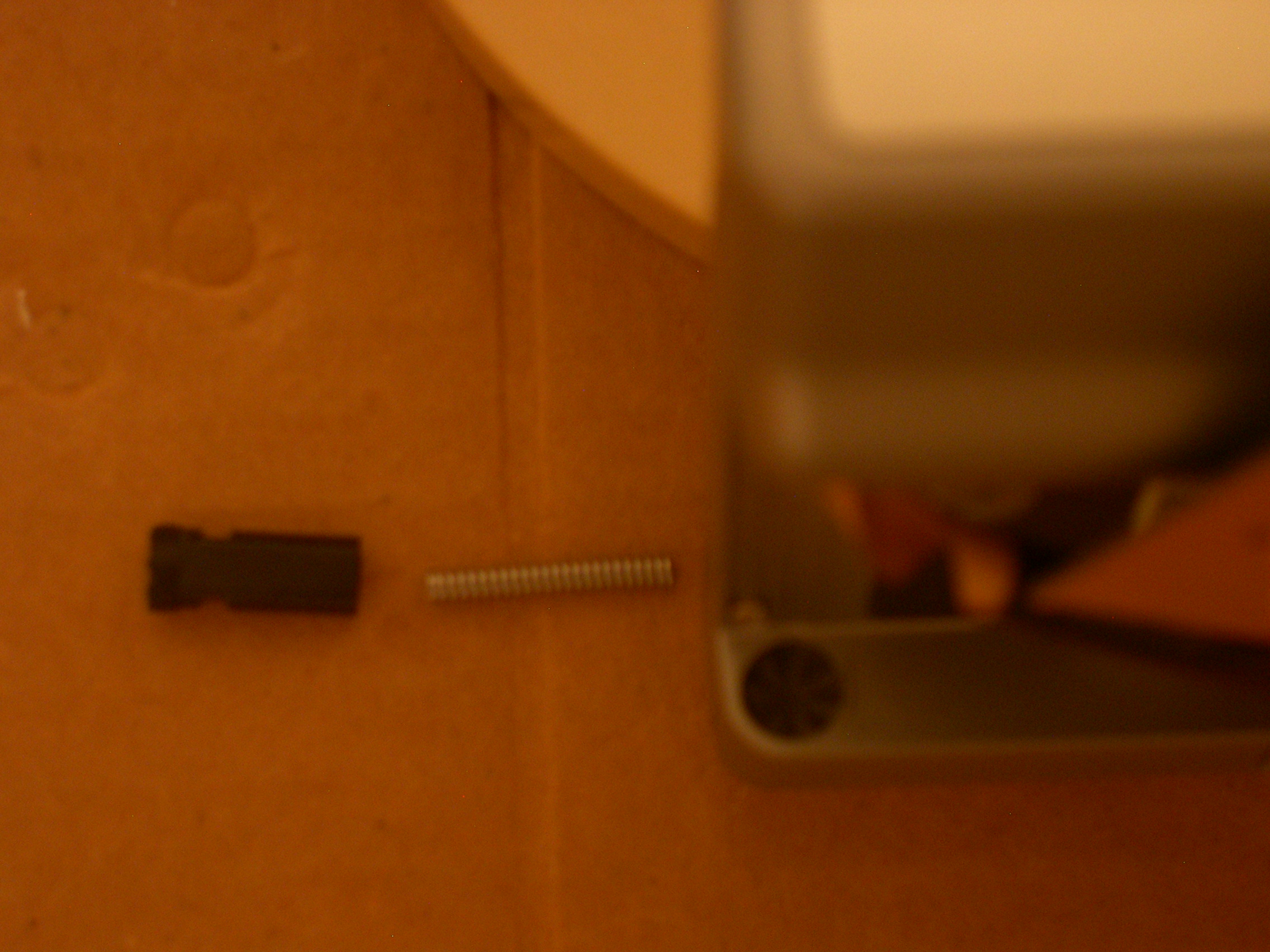
This little plastic piece, along with a very tiny spring, will then pop out. |
 Click for large Click for large |
Here's a little better shot of the plastic piece and the spring. |
 Click for large Click for large |
Here you can see the socket the plastic piece rests in to give that click-stop motion when you move the antenna during operation. |
 Click for large Click for large |
|
 Click for large Click for large |
|
 Click for large Click for large |
|
 Click for large Click for large |
Finally, we have exposed the two little screws so now we can actually take the case apart. These are also T-5 torx. (For re-assembly, these are the long torx screws.) |
 Click for large Click for large |
I found the cover made a good place to collect the mounting number of little bits I didn't want to lose. |
 Click for large Click for large |
Work a knife, then a small screwdriver around the case. Don't try to open it until you have it loose all the way around. |
 Click for large Click for large |
Be very careful to not open it up too far so you don't strain the ribbon cable to the display. Where the ribbon cable goes into the circuit board, towards the bottom edge to the left (left in this photo, that is), there is a phillips head screw that must be removed. I used a size 000 for this. |
 Click for large Click for large |
This was during reassembly (with the new battery) but it's a better shot of where the screw is located. |
 Click for large Click for large |
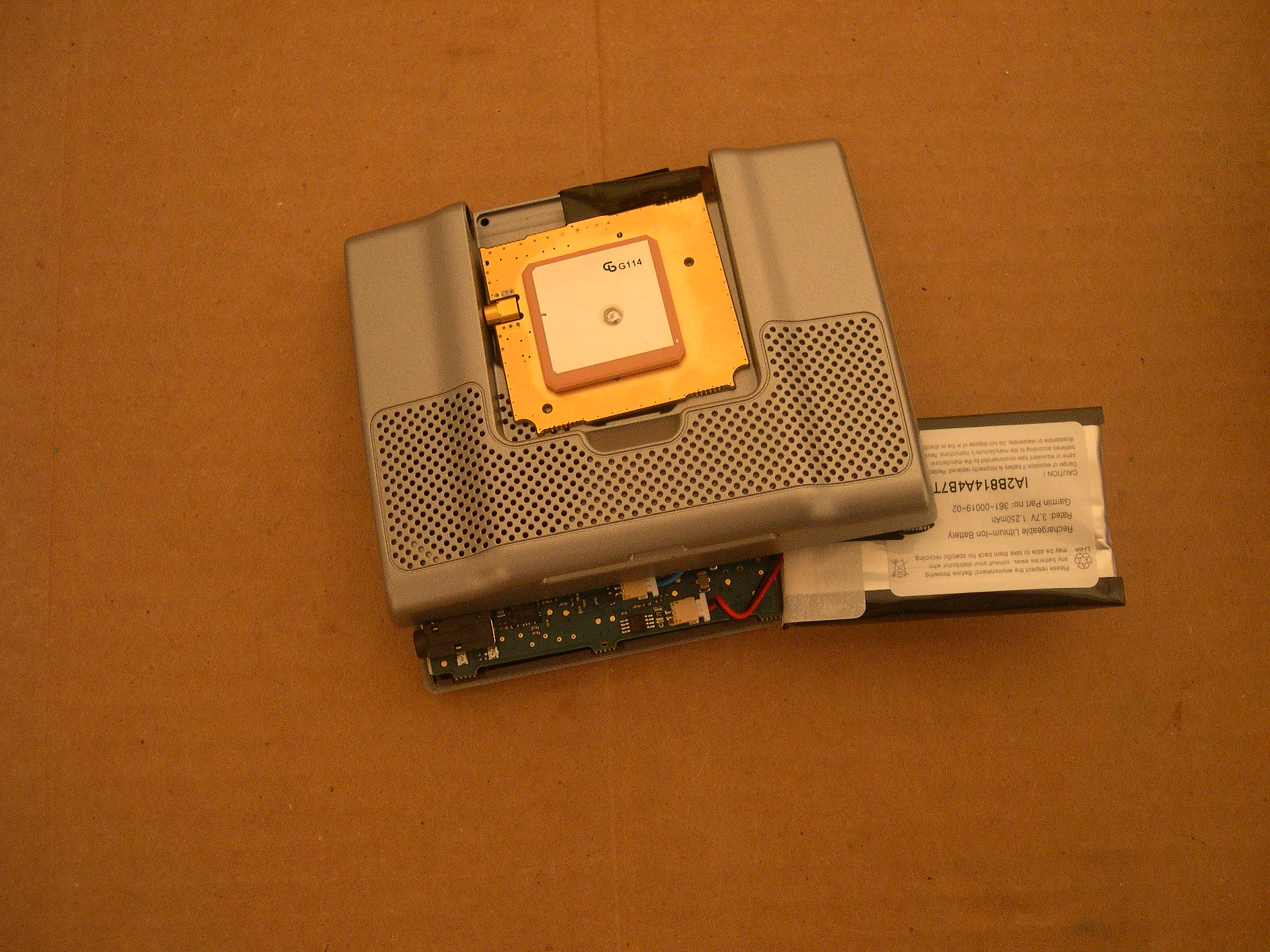
Once you have the circuit board loose, pry the battery out (It is glued to the case), then find the tiny connector and disconnect the battery. |
 Click for large Click for large |
Hey, how 'bout that. It's out. |
 Click for large Click for large |
For reassembly, the plug will only go in one way. Don't try to force it. On mine it went it extremely easy when I had it right. Disconcertingly, though, it does not seem to click-lock into place. I hope it stays. Note: Been about a year now, and the plug has not come loose. It is used every day, taking it off the mount and putting it in the center console. |
 Click for large Click for large |
If you look very close, you can see the pin holes towards the bottom. In the photo to the left you can see the pins are at the top. The plug as shown here would need to be twisted upside down to fit the socket in the photo on the left. |
 Click for large Click for large |
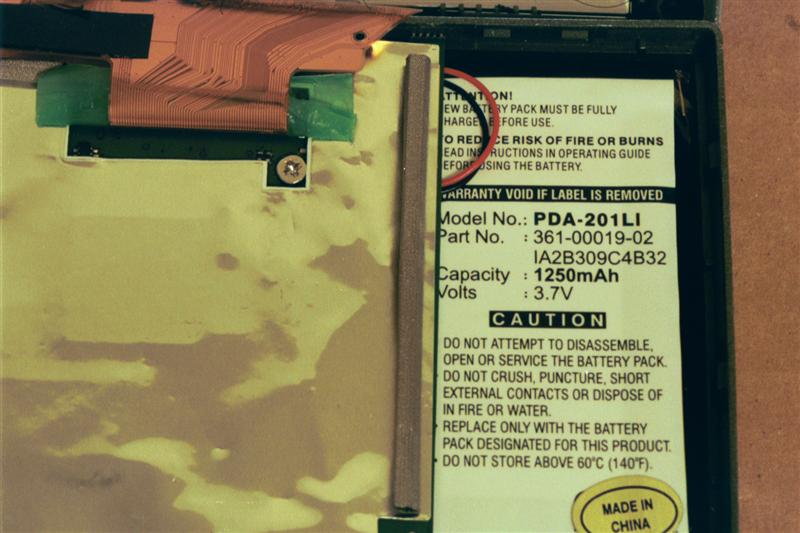
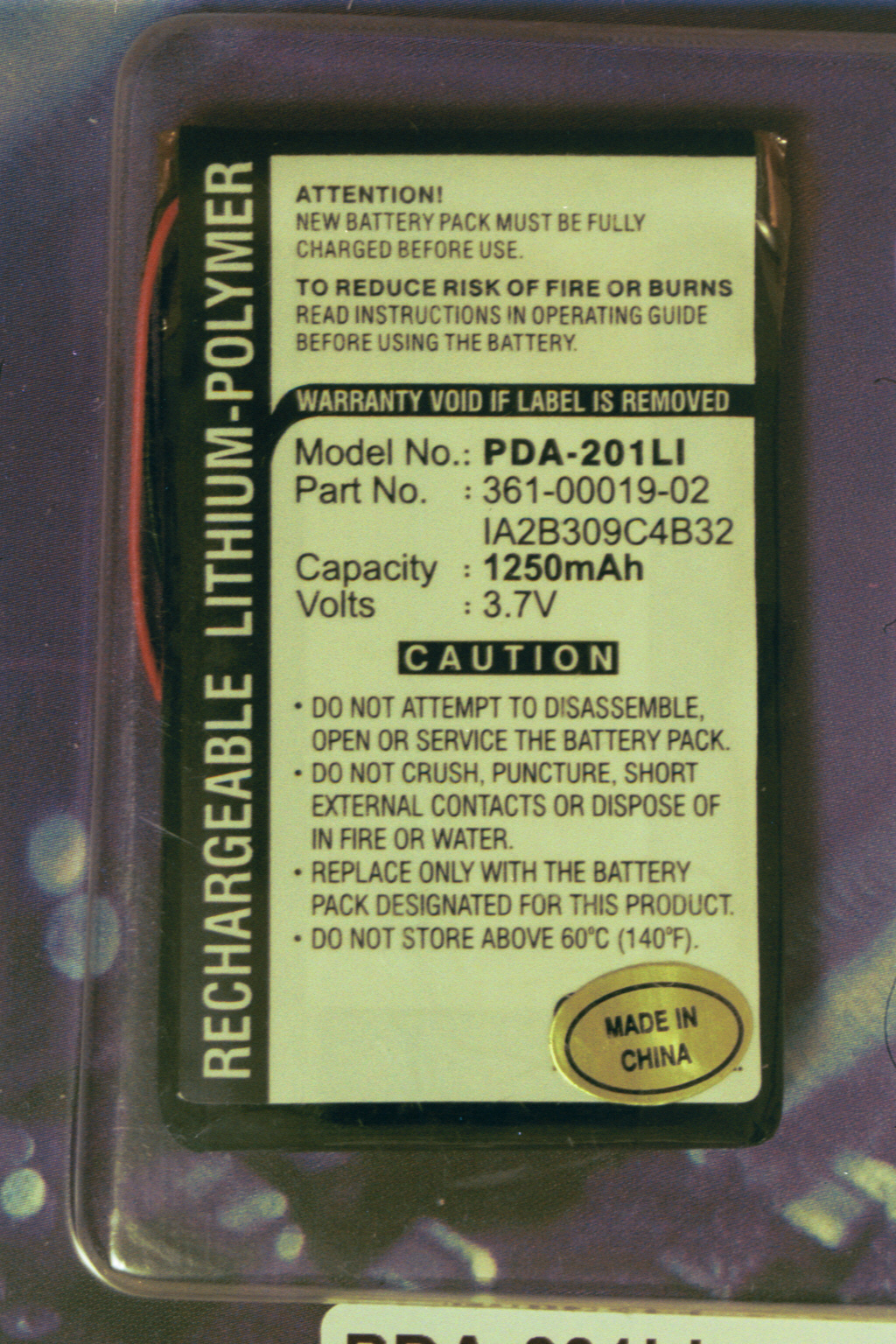
The battery came. Here's the package in case any of the numbers help you find yours. |
 Click for large Click for large |
Old Battery. |
 Click for large Click for large |
New Battery. |
 Click for large Click for large |
Notes for re-assembly:
The phillips head screw holds the circuit board in the case.
The long torx screws hold the case together.
The short torx screws hold the antenna together.
Put the spring in the plastic piece before inserting it into the antenna.
|
|